See how five builders are putting Gemini 4 Argon to work — and get inspired for your next build. by Kimberly Fusaro via News from Google
Get link
Facebook
X
Pinterest
Email
Other Apps
Our new animated series brings data centers to life
Get link
Facebook
X
Pinterest
Email
Other Apps
If you rely on the internet to search for the answer to a burning question, access work documents or stream your favorite TV show, you may have wondered how you can get the content you want so easily and quickly. You can thank a data center for that.
Which may make you wonder: What exactly is a data center, and what is its purpose?
Google’s Discovering Data Centers series of short animated videos has the answers. As host of this series, I invite you to join us and learn about these expansive, supercomputer-filled warehouses that we all rely on, yet may know little about.
Each video in this series helps peel back the layers on what makes data centers so fascinating: design, technology, operations and sustainability. There are times you click Start on Google Maps, edit a Google Doc or watch a YouTube video on how to fix something. By watching this series, you’ll better understand how Google’s data centers get you and billions of other users like you to that content quickly, securely and sustainably.
Discovering Data Centers will help you understand:
How data centers play a critical role in organizing your and the world’s information.
Data center design and how data centers are built to be sustainable.
Our core principles, which show you can depend on us to be available 24/7.
As the second season of our series gets underway, upcoming topics include:
How hundreds of machines at a data center store data.
How our network allows data to travel through and between data centers within seconds.
How encryption of data works to help secure every packet of data stored in our data centers.
To watch this series and see how data centers benefit you, visit our website. Check back monthly for new episodes where I’ll continue to reveal all the layers that make a data center hum.
Click through the images below to read episode descriptions and take a peek at the engineering marvels that are today’s data centers.
Animated image of a data center with images of Google products like Gmail and Google Maps radiating from the top of it.
What is a data center? In our first episode of the first season, we cover what a data center is, how it has changed and how it’s now built for the cloud.
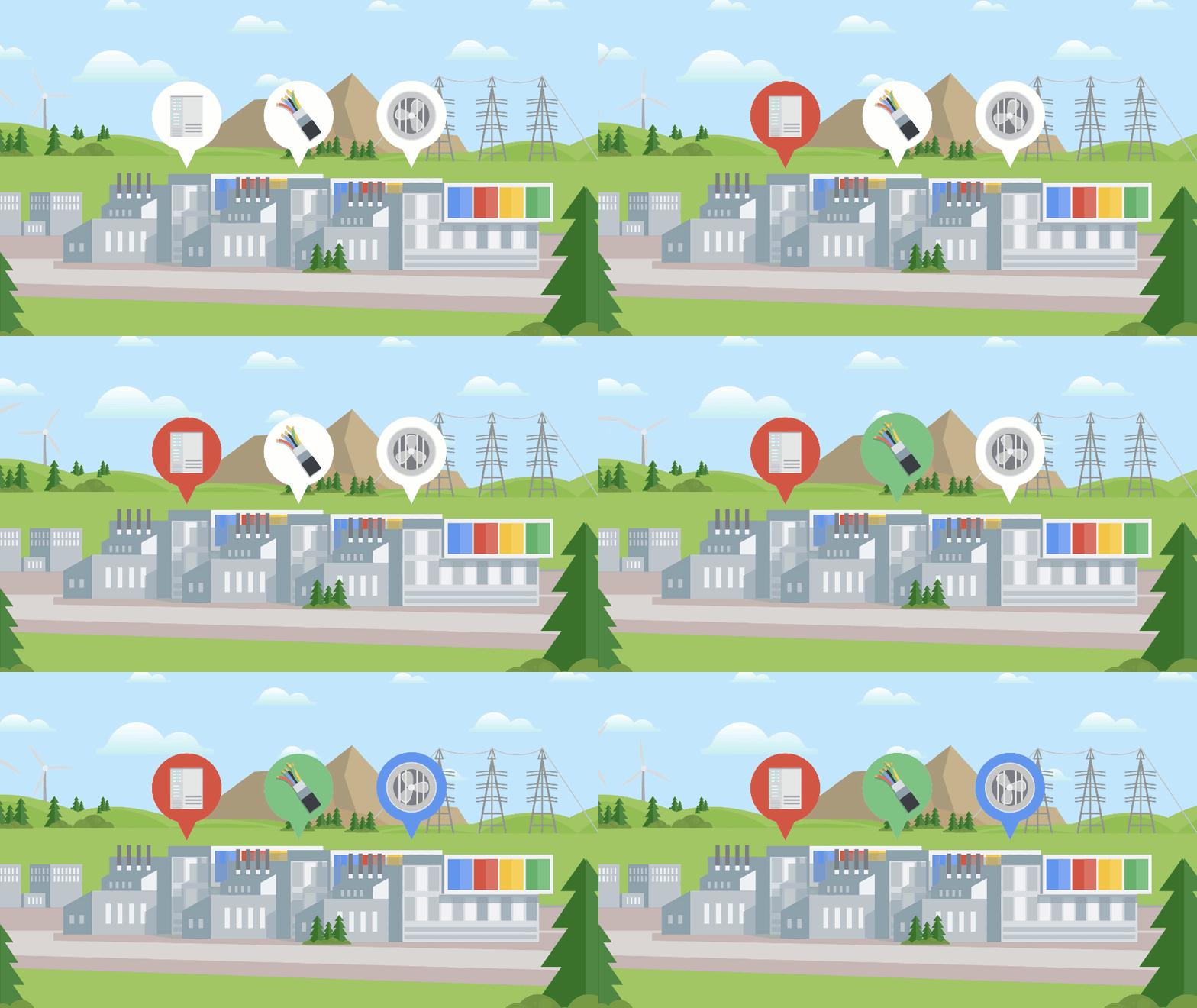
Animated image of a data center. Above it are images of a computer server to represent storage, wires to represent the power supply, and a fan to represent a cooling infrastructure.
How does Google design its data centers? In episode two, from computing to cooling, we walk you through the different layers of a data center’s infrastructure and how they work together.
Animated image of a data center server and its four main components, including the power supply, hard drive, RAM, and CPU and fan.
What are the core principles behind Google data centers? In episode three, we demonstrate how performance, availability and security are implemented in Google’s data center infrastructure.
Animated image of a person going through a metal detector under the supervision of a Google staff member.
How does Google secure its data centers? From fences to biometric scanners and testing attempts, we show you in episode four how security is in our DNA when it comes to protecting sensitive data.
Animated image of a circle with four quadrants to represent the factors that are necessary when choosing a data center location. The four quadrants include a lightning bolt representing energy infrastructure, a woman sitting at her desk at work representing proximity to users, a worker in a hardhat representing available workforce, and a football field to indicate that a data center campus can be as large as 100 football fields.
How does Google select a data center location? From securing to designing, we help you discover in episode five what criteria make a location viable for a Google data center.
Animated image of Google employees working in a data center server room.
How does storage work across Google data centers? We begin our second season by explaining how data is stored at Google data centers, and how we make storage accessible and scalable across our global fleet of machines.
Find the cheapest petrol and diesel prices in the UK using Google Maps and Waze. Search for fuel stations near you to save money. See the latest rates. by Sarah-Jayne Williams via News from Google



Comments
Post a Comment